Developing Chrome Extensions with React + Vite + TypeScript
TL;DR
I created a template for building Chrome extensions with React + Vite + TypeScript.
There is also the option of using CRXJS vite plugins, but it only supports Vite up to version 3 and is no longer actively maintained. So the dependencies are basically just React, Vite, and TypeScript.

Features and Usage of the Template
1. Unified Build for background, content-scripts, and popup
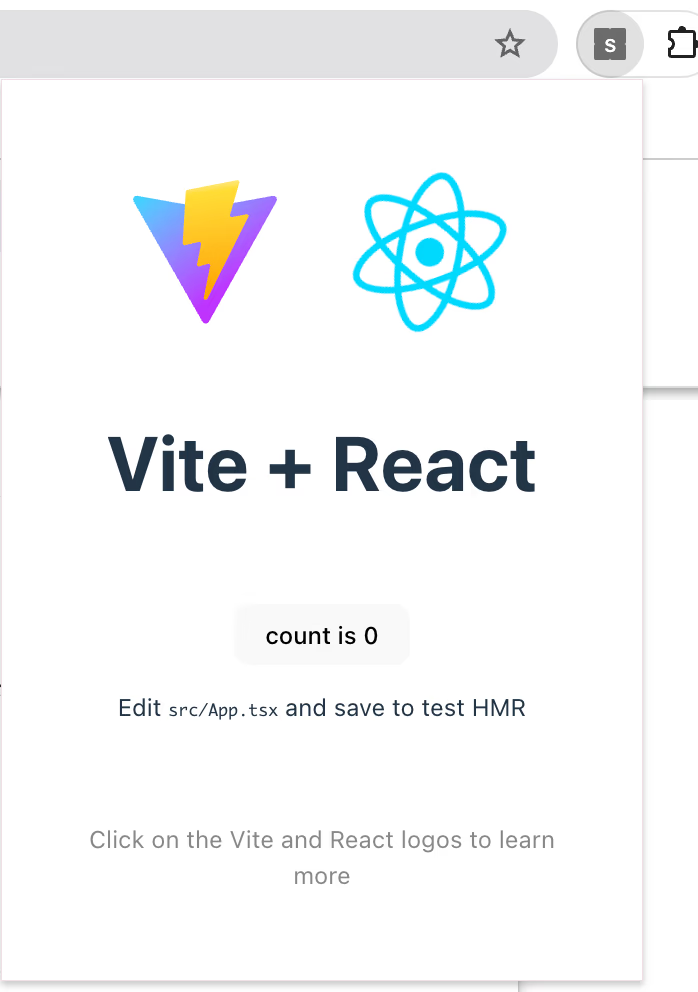
React is used for the UI components. These are managed under the popup directory.
Content Scripts for DOM manipulation are managed under content-script, and code that uses Service Workers is managed under background.
All of these are built together into the dist directory with pnpm build, and can be used immediately by uploading them in Chrome's developer mode.
2. Formatter and Linter Setup
The following tools are used:
- biome for TypeScript formatting and linting
- dprint for formatting and linting configuration files (markdown, json, yaml, toml)
- sort-package-json for sorting
package.jsonfield order
These can be used via commands like pnpm fmt and pnpm lint.
3. Basic GitHub Actions Configuration
CI is set up to run:
- actionlint for linting GitHub Actions
- biome, dprint, and sort-package-json for linting the source code
Internals
Structure
The project has the following structure. Basically, background, content-scripts, and popup are implemented in separate directories, and the build process places everything under dist.
manifests.json
We use version 3. Also, since React is used, it's managed as public/manifest.json.
Configuration Files
vite.config.ts contains the Popup configuration.
React is only used here.
vite-background.config.ts and vite-content-scripts.config.ts are nearly identical -- they just configure the output to the dist directory.